Vysor - Android control on PC
ClockworkMod
Downloads
5,000,000+
Source
Google Play
Advertisement
Click to download now, finish the installation quickly, and directly unlock the all-round experience
Advertisement
Screenshots
Click to download now, finish the installation quickly, and directly unlock the all-round experience
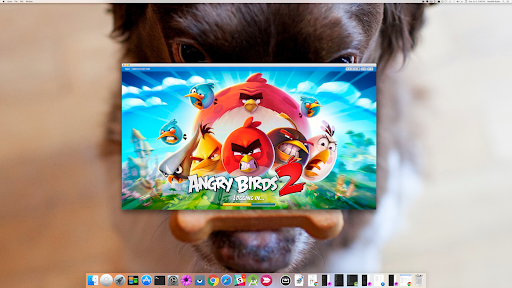
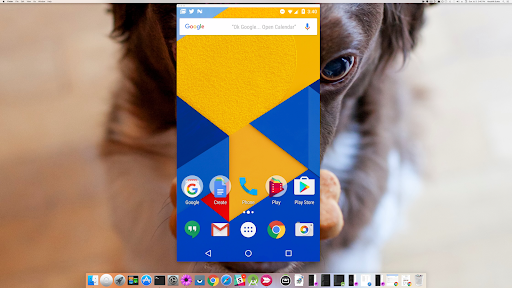
Vysor puts your Android screen on a computer so you can use the device with a mouse and keyboard. It suits people who want to work with phone apps at a desk, show a phone screen during a presentation, or test an app on a real device rather than an emulator. Vysor is listed in Productivity and is made by ClockworkMod.
This is a link between an Android device and a computer, not a way to use the phone independently. The computer needs Vysor’s companion software, and the setup may involve enabling USB debugging. Wireless mirroring is also described as an option. That extra setup is worth considering if you only want to check something quickly on your phone.
Vysor Share can let someone else view a device screen for remote help. Developers can also use Vysor to inspect and test apps on physical Android devices. These uses are more specialized than simply mirroring a screen, but may be useful when hands-on access to a device is inconvenient.
The supplied listing details do not establish whether core use is free, whether some features require payment, or whether ads interrupt the experience. Check the Google Play listing for current terms before relying on it. Vysor has a 3.16 out of 5 rating from 12,795 reviews and 5,000,000+ installs. The rating is a useful signal to weigh alongside the setup requirements and your own use case.