Advertisement
Click to download now, finish the installation quickly, and directly unlock the all-round experience
Advertisement
Screenshots
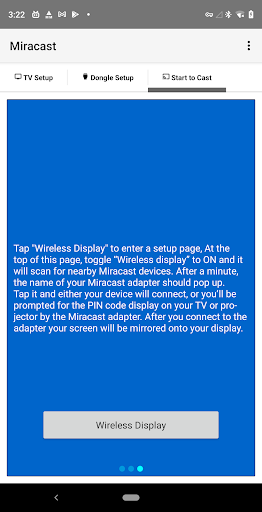
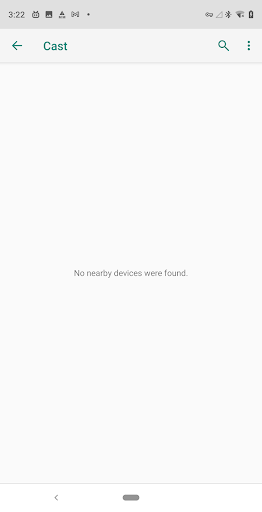
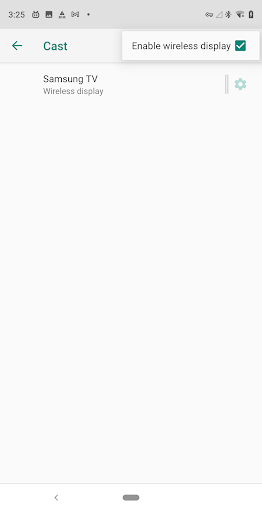
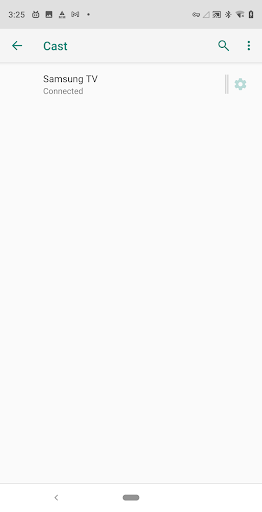
Click to download now, finish the installation quickly, and directly unlock the all-round experience
Miracast is a screen-mirroring tool for Android phones and tablets. It is intended for people who want to show their device screen on a TV, projector or monitor through a compatible Miracast or wireless-display receiver. The receiving display must support this connection; the app cannot make an incompatible TV accept screen mirroring.
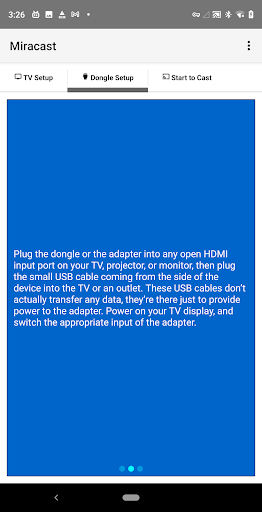
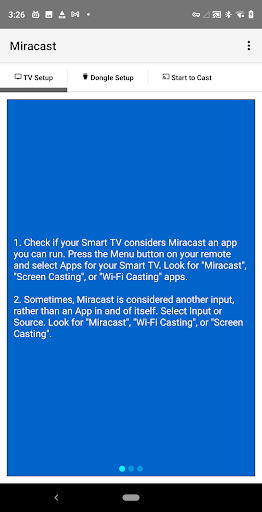
The app’s job is to help connect to a nearby wireless display. You enable wireless display, let it search, then choose the receiver when it appears. Some receivers may ask you to enter a PIN shown on the TV or adapter. Your TV may have Miracast under its apps, or list it as an input or source. A separate HDMI adapter is another possible receiver, but it needs to be connected to the display and powered.
The supplied listing information does not say whether Miracast has a paid tier, in-app purchases or ads. So it is not possible to confirm from these details whether the full experience is free or whether advertising interrupts setup or use. Check the Google Play listing for current payment and ad information before choosing it.
Miracast is published by Cast4TV in the Tools category. It has a 2.44 out of 5 rating from 15,119 reviews and 5,000,000+ installs. Those figures show that many people have tried it, but the low average rating is a reason to check recent reviews and confirm that your particular phone and receiver can work together.